qbhborescope@gmail.com
September 9, 2024

Enhance Your DIY Inspections with an iPhone Borescope Camera
In today’s tech-savvy world, having the right tools at your fingertips can make all the difference, especially for DIY enthusiasts and professionals alike. Enter the iPhone Borescope Camera—a game-changer that combines advanced inspection capabilities with the convenience of your iPhone. Whether you’re dealing with clogged pipes, engine troubleshooting, or home maintenance, this compact device brings efficiency and precision to your fingertips.
What Is an iPhone Borescope Camera?
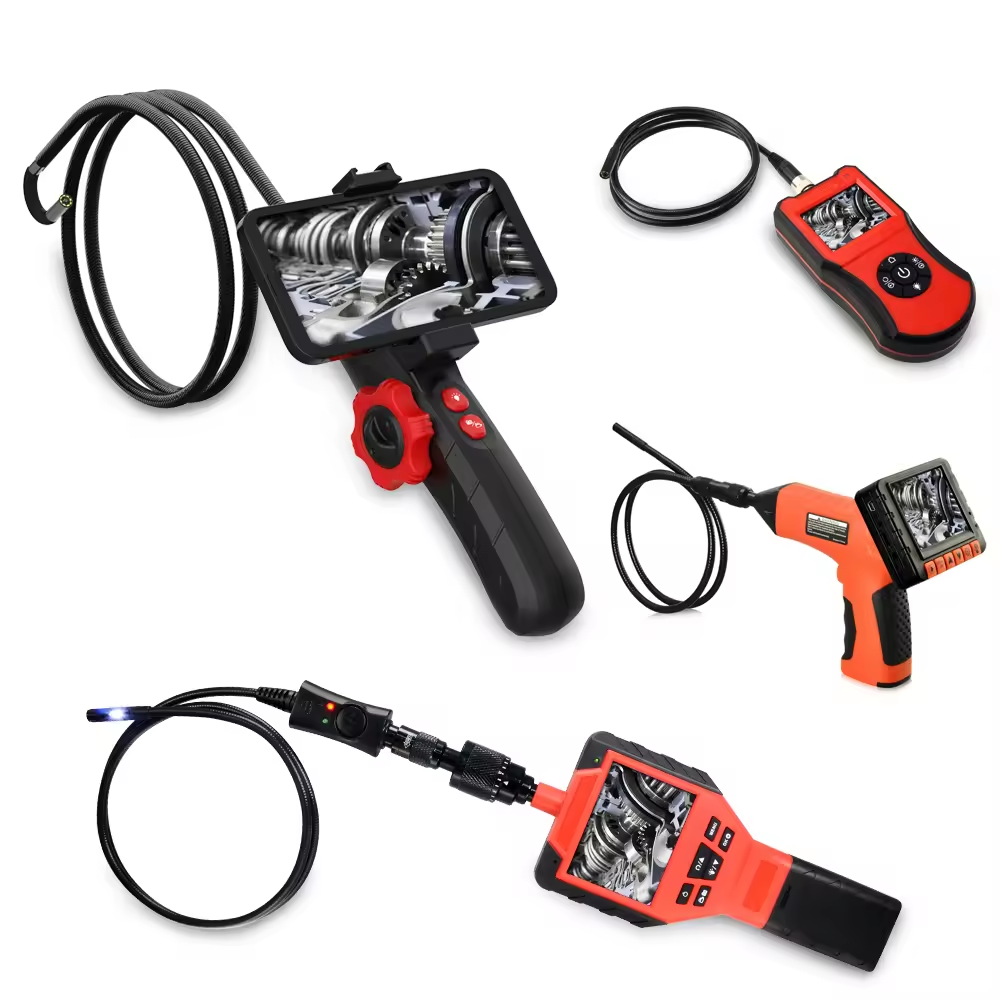
An Borescope Camera for iPhone is a small, flexible inspection tool that connects directly to your iPhone. It features a camera mounted on a long, flexible tube, allowing you to peer into tight or hard-to-reach spaces. The live feed from the camera is displayed directly on your iPhone screen, providing a real-time view of areas that would otherwise be impossible to see.
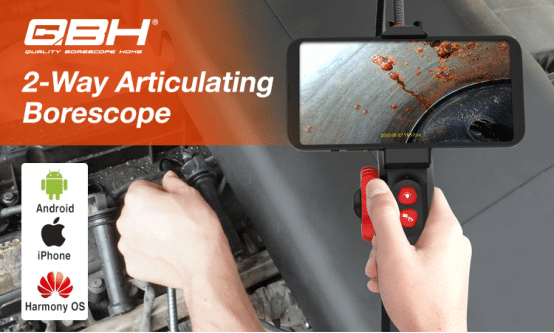
Key Benefits of Using an iPhone Borescope Camera
- Portability and Convenience: Traditional borescopes often require bulky monitors or separate display units. With an iPhone Borescope Camera, everything you need is in your pocket. Simply connect the device to your iPhone, and you’re ready to go.
- High-Quality Imaging: Despite its small size, this tool offers high-resolution imaging, enabling you to capture clear and detailed visuals of the inspection area. Some models even come with adjustable LED lights to illuminate dark spaces.
- Versatile Applications: Whether you’re inspecting pipes, looking inside walls, checking car engines, or exploring tight spaces in electronics, the iPhone Borescope Camera is versatile enough to handle a wide range of tasks.
- Easy Sharing and Documentation: Since the camera is connected to your iPhone, you can easily take photos or videos of the inspection. This feature is particularly useful for professionals who need to document their findings or share results with clients or colleagues.
How to Use an iPhone Borescope Camera
Using an iPhone Borescope Camera is straightforward:
- Connect the Camera: Plug the borescope into your iPhone using the appropriate adapter. Some models may connect via Wi-Fi or Bluetooth, offering even more flexibility.
- Launch the App: Open the dedicated app provided by the borescope manufacturer. This app will display the live feed from the camera and offer options to adjust settings like lighting and resolution.
- Start Inspecting: Guide the camera into the area you wish to inspect. The flexible tube allows you to maneuver through tight spaces, providing a clear view on your iPhone screen.
- Capture and Share: Take snapshots or record videos as needed. The app will typically allow you to save these directly to your phone’s storage or share them via email or messaging apps.
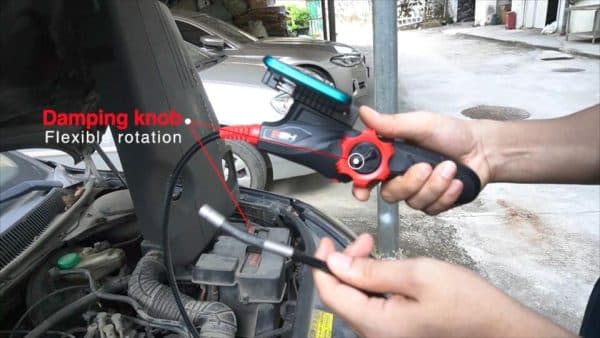
Why Choose an iPhone Borescope Camera?
The Borescope Camera for iPhone is more than just a handy tool—it’s an investment in precision, efficiency, and convenience. It empowers you to perform detailed inspections without the need for expensive professional equipment or services. Plus, it integrates seamlessly with your iPhone, making it a perfect addition to your toolkit.
Conclusion: Take Control of Your Inspections
Ready to revolutionize the way you handle inspections? An iPhone Borescope Camera is your go-to device for precision, portability, and ease of use. Whether you’re a DIY enthusiast or a professional, this tool will help you tackle even the most challenging tasks with confidence.
Don’t wait—enhance your inspection capabilities today! Visit ShenZhen QingBaoHong Technology Co., Ltd. to find the perfect Smartphone Borescope Camera for your needs.